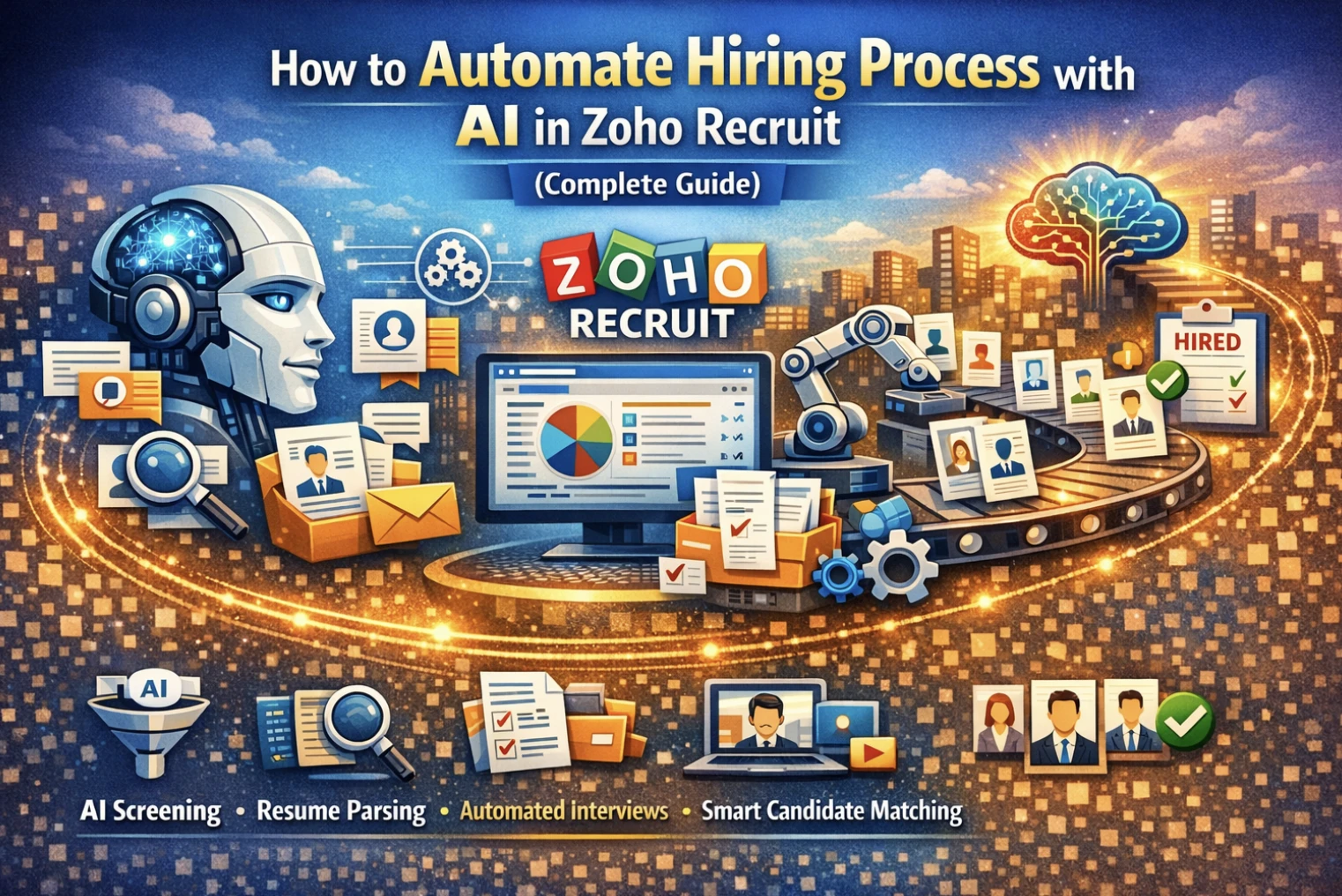
How to Automate Hiring Process with AI in Zoho Recruit (Complete Guide)
Hiring the right talent quickly is a major challenge for modern businesses. Manual recruitment processes slow down hiring, increase costs, and often lead to poor candidate experiences.
With AI-powered automation in Zoho Recruit, you can streamline your hiring process, reduce manual effort, and make smarter hiring decisions.
Why Automate Hiring with AI?
Traditional hiring methods involve:
- ✔Manual resume screening
- ✔Time-consuming interview scheduling
- ✔Delayed communication with candidates
- ✔Lack of data-driven decision-making
AI automation helps solve these challenges by making recruitment faster, smarter, and more efficient.
Key Benefits of AI Hiring Automation in Zoho Recruit
- 🚀 Faster candidate screening
- 🎯 Better candidate-job matching
- ⏱ Reduced time-to-hire
- 🤖 Automated communication workflows
- 📊 Data-driven hiring decisions
- 👥 Improved candidate experience
Step-by-Step: How to Automate Hiring with Zoho Recruit
1. Set Up Your Recruitment Pipeline
Start by defining your hiring workflow:
- ✔Job requisition creation
- ✔Application stages (Screening, Interview, Offer)
- ✔Candidate status tracking
Zoho Recruit allows you to fully customize your hiring pipeline.
2. Enable Resume Parsing & AI Candidate Screening
Use built-in AI features to:
- ✔Automatically parse resumes
- ✔Extract key candidate information
- ✔Rank candidates based on job requirements
This eliminates manual resume filtering.
3. Use AI-Based Candidate Matching
Leverage AI to:
- ✔Match candidates with job descriptions
- ✔Identify best-fit profiles
- ✔Recommend top candidates automatically
This ensures higher quality hiring decisions.
4. Automate Candidate Communication
Set up workflows for:
- ✔Application acknowledgment emails
- ✔Interview invitations
- ✔Follow-ups and reminders
- ✔Rejection emails
This keeps candidates engaged throughout the process.
5. Implement Workflow Automation
Use automation rules in Zoho Recruit:
- ✔Auto-assign candidates to recruiters
- ✔Trigger actions based on candidate status
- ✔Schedule tasks automatically
This reduces manual HR workload significantly.
6. Integrate AI Chatbots (Optional Advanced Setup)
Enhance candidate experience with:
- ✔AI chatbots for initial screening
- ✔Automated responses to candidate queries
- ✔24/7 engagement
7. Automate Interview Scheduling
Simplify scheduling with:
- ✔Calendar integrations
- ✔Automated interview slot booking
- ✔Reminder notifications
No more back-and-forth emails.
8. Use Analytics & AI Insights
Track and optimize hiring with:
- ✔Candidate pipeline reports
- ✔Time-to-hire analytics
- ✔Source effectiveness tracking
- ✔AI-driven hiring insights
9. Build Talent Pools with AI Tagging
Organize candidates effectively:
- ✔AI-based tagging of skills
- ✔Create talent pools for future hiring
- ✔Quickly search and reuse candidate data
10. Continuous Optimization
Improve hiring automation over time:
- ✔Refine workflows
- ✔Improve AI matching criteria
- ✔Analyze hiring data
- ✔Optimize recruiter performance
Best Practices for AI Hiring Automation
- ✔Keep job descriptions clear and structured
- ✔Regularly clean candidate data
- ✔Train your recruitment team
- ✔Continuously monitor AI recommendations
- ✔Balance automation with human decision-making
Real Business Impact
Companies using AI-powered recruitment with Zoho Recruit achieve:
- ✔Up to 70% faster hiring cycles
- ✔50% reduction in manual screening effort
- ✔Improved candidate experience
- ✔Better hiring quality and retention
Conclusion
Automating your hiring process with AI in Zoho Recruit helps you move from manual recruitment to a smart, scalable, and efficient hiring system.
By combining automation, AI, and structured workflows, businesses can hire faster, reduce costs, and attract top talent effortlessly.
Looking to Automate Your Hiring Process?
We help businesses implement and optimize AI-powered recruitment systems using Zoho Recruit.
👉 Contact us today to build a smarter hiring process for your organization.
Comments:
Balancing automation and human touch is essential for a successful customer experience.
Henry Joseph 22 Feb 2025Addressing the challenges businesses face in implementing proactive customer experience strategies would provide a more balanced perspective.
Michael James 22 Feb 2025