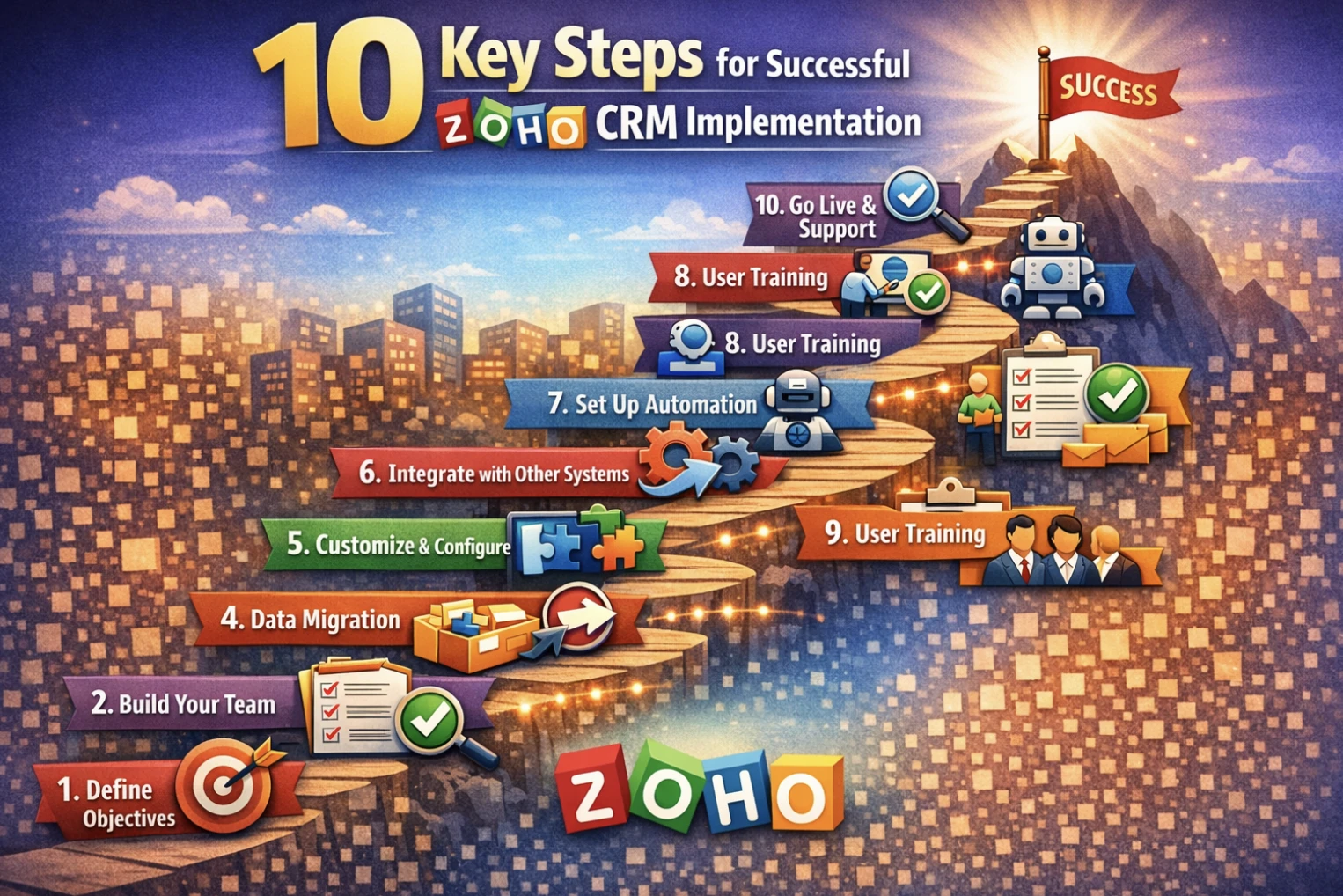
10 Key Steps for Successful Zoho CRM Implementation (Complete Guide 2026)
Implementing a CRM system is one of the most important steps for improving sales performance and customer relationship management. However, success depends not just on choosing the right tool but on implementing it correctly.
In this guide, we explain the 10 key steps for successful Zoho CRM implementation to help your business maximize ROI, improve automation, and streamline sales operations using Zoho CRM.
Why Zoho CRM Implementation Matters
A well-implemented CRM helps businesses:
- ✔Improve lead conversion rates
- ✔Automate sales processes
- ✔Centralize customer data
- ✔Increase team productivity
- ✔Enhance customer experience
Without proper implementation, even the best CRM can fail to deliver results.
10 Key Steps for Successful Zoho CRM Implementation
1. Define Clear Business Goals
Before setting up CRM, identify what you want to achieve:
- ✔Increase sales revenue
- ✔Improve lead management
- ✔Reduce manual sales work
- ✔Improve customer retention
Clear goals ensure the CRM is configured in the right direction.
2. Analyze and Map Your Sales Process
Document your complete sales journey:
- ✔Lead generation sources
- ✔Qualification stages
- ✔Follow-up process
- ✔Deal closure workflow
This helps align Zoho CRM with real business operations.
3. Design CRM Structure
Create a structured CRM framework:
- ✔Leads, Contacts, Accounts
- ✔Deals and pipeline stages
- ✔Activities and tasks
- ✔Custom modules (if needed)
A clean structure improves usability and reporting accuracy.
4. Configure Zoho CRM Settings
Set up system configurations:
- ✔User roles and permissions
- ✔Sales pipeline stages
- ✔Layout customization
- ✔Custom fields and modules
Proper configuration ensures smooth daily operations.
5. Data Migration and Cleanup
Move your existing data into the CRM carefully:
- ✔Remove duplicate or outdated records
- ✔Clean and standardize data
- ✔Import leads, contacts, and deals
- ✔Validate accuracy after migration
High-quality data leads to better insights and decisions.
6. Set Up Automation Workflows
Automation is key to CRM success:
- ✔Lead assignment rules
- ✔Email automation sequences
- ✔Follow-up reminders
- ✔Approval workflows
Automation reduces manual effort and increases efficiency.
7. Integrate with Business Systems
Connect Zoho CRM with other tools:
- ✔Email and communication tools
- ✔Accounting and billing systems
- ✔Inventory or ERP systems
- ✔Marketing automation platforms
This creates a fully connected business ecosystem.
8. Train Your Team
User adoption determines CRM success:
- ✔Role-based CRM training
- ✔Hands-on practice sessions
- ✔Sales workflow training
- ✔Dashboard usage guidance
Well-trained teams use CRM more effectively.
9. Test Before Going Live
Before launch:
- ✔Test all workflows
- ✔Validate automation rules
- ✔Check data accuracy
- ✔Fix configuration issues
Testing ensures a smooth transition.
10. Go Live and Optimize Continuously
After deployment:
- ✔Monitor CRM usage
- ✔Improve workflows regularly
- ✔Add new automation features
- ✔Enhance reporting dashboards
CRM success improves over time with continuous optimization.
Benefits of Zoho CRM Implementation
A properly implemented Zoho CRM delivers:
- ✔Higher lead conversion rates
- ✔Improved sales productivity
- ✔Real-time sales visibility
- ✔Better customer engagement
- ✔Reduced manual workload
- ✔Data-driven decision-making
Final Thoughts
Successful CRM implementation is not just technical—it is strategic. By following these 10 key steps, businesses can ensure their CRM becomes a powerful growth engine rather than just a software tool.
If implemented correctly, Zoho CRM can transform your entire sales process into a fully automated, insight-driven system.
Looking for Zoho CRM Implementation Experts?
We help businesses design, implement, and optimize Zoho CRM for maximum performance and ROI.
👉 Contact us today to get started with your Zoho CRM transformation.

Comments: